
Interfacing Ultrasonic Sensor (HC-SR04) and 16x2 LCD with Arduino UNO
Blog post description.
PROJECT
2/1/20254 min read
Introduction:
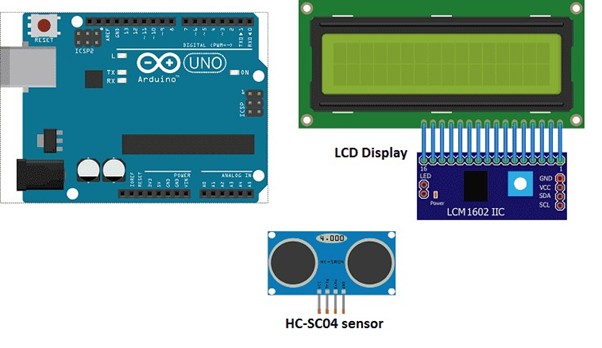
Fig1:Interfacing Ultrasonic Sensor (HC-SR04) and 16x2 LCD i2c with Arduino UNO
The HC-SR04 ultrasonic sensor is widely used for measuring distances with Arduino. It works by emitting high-frequency sound waves (sonar) and measuring the time it takes for these waves to bounce back from an object.
To connect the HC-SR04 to an Arduino, wire the sensor's four pins: Vcc, Trig, Echo, and GND. Connect Vcc and GND to the 5V and GND pins on the Arduino. The Trig pin should go to a digital pin (e.g., pin 8), and the Echo pin should connect to another digital pin (e.g., pin 9).
Once connected, use the Arduino’s pulseIn() function to measure the duration of the returning sound wave. You can calculate the distance to the object with the formula:
distance = (duration / 2) * 0.034.
HC-SR04 Ultrasonic Sensor Operating Principle:
A 10µs HIGH pulse is sent to the TRIGGER pin of the sensor.
The sensor emits 8 ultrasonic pulses at 40kHz.
The sound waves travel, hit an object, and return to the sensor.
The sensor detects the echo, marking the end of the measurement process.
The ECHO pin stays HIGH during the round trip of the ultrasound, allowing you to measure the duration of the round trip and calculate the distance accordingly.
Additionally, you can display the calculated distance on an LCD I2C 160A display for easy monitoring.
LCD I2C 160A display:
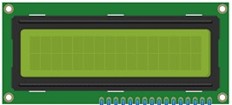
The LCD I2C 160A display is a type of liquid crystal display (LCD) that utilizes the Inter-Integrated Circuit (I2C) protocol for communication with a controller or host device. The "160A" designation typically refers to the display's resolution, which is 160×128 pixels. I2C is a communication protocol that enables multiple devices to connect to a single bus and exchange data using just two wires (SDA for data and SCL for clock). This makes I2C a more efficient and cost-effective solution when connecting multiple devices in a project, as it reduces the need for separate wires for each device.
Circuit Diagram and Explanation
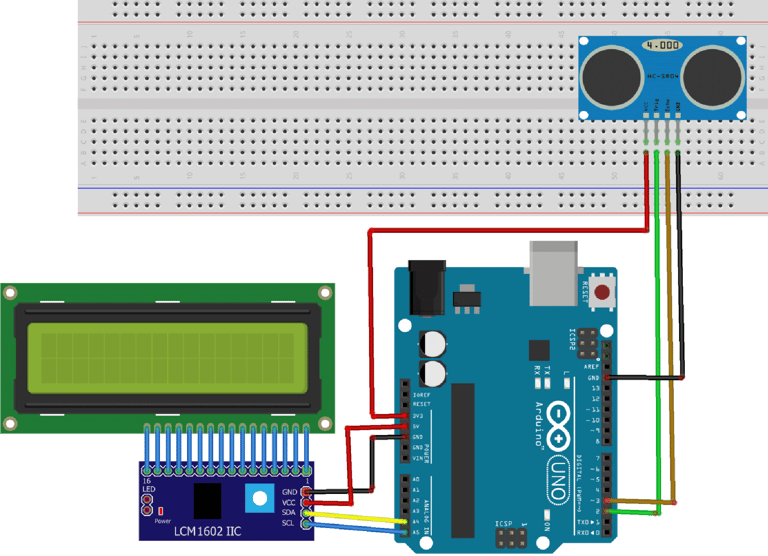
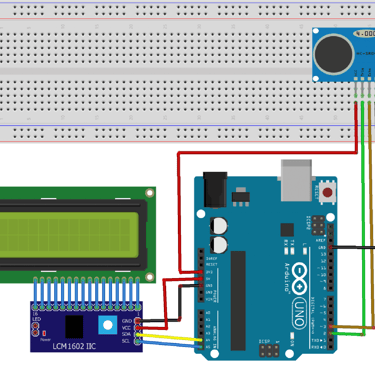
Connect the 3.3V power supply from the Arduino to the VCC pin of the sensor.
Connect the GND pin of the Arduino to the GND pin of the sensor.
Connect digital Pin 1 of the Arduino to the TRIGGER pin of the sensor.
Connect digital Pin 2 of the Arduino to the ECHO pin of the sensor.
Note: You can connect the TRIGGER and ECHO pins to any digital pins on the Arduino, but make sure to update the code accordingly.
For the LCD display, connect:
The SDA pin to the Arduino analog pin A4 or the SDA pin.
The SCL pin to the Arduino analog pin A5 or the SCL pin.
The VCC pin to the Arduino 5V pin.
The GND pin to the Arduino GND pin.
How to Download Libraries:
To use the ultrasonic sensor and the LCD display, you'll need to import the UltraDistSensor.h library for the ultrasonic sensor and the LiquidCrystal_I2C.h library for the LCD display. The Wire.h library, which is needed for I2C communication, is pre-installed in the Arduino IDE by default.
In the Arduino IDE, go to the Library Manager to download the necessary libraries.
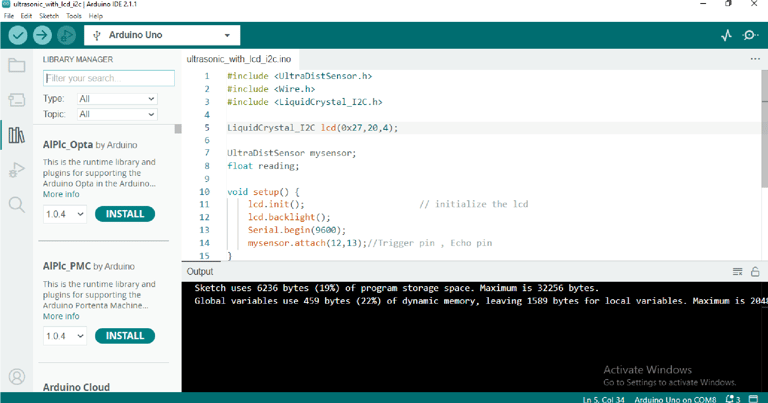
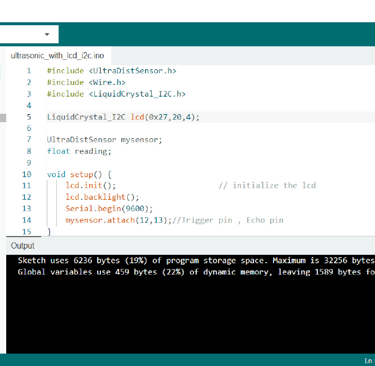
Search for the UltraDistSensor.h library
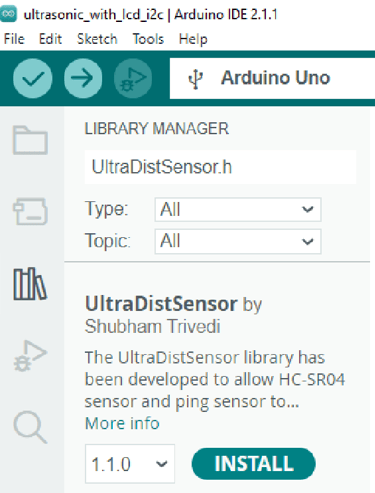
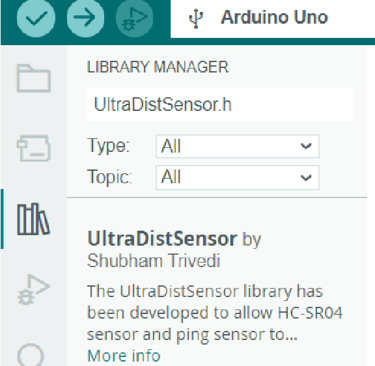
Click on install
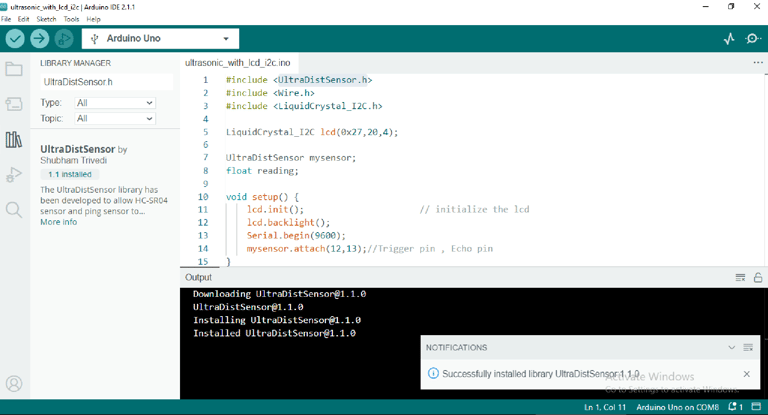
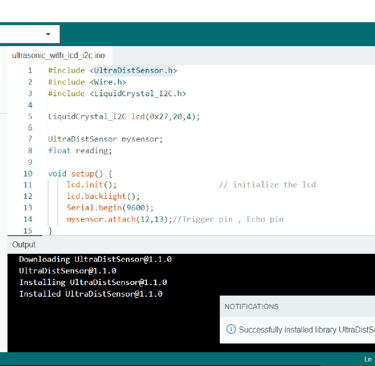
In the same library manager search for LiquidCrystal_I2C.h
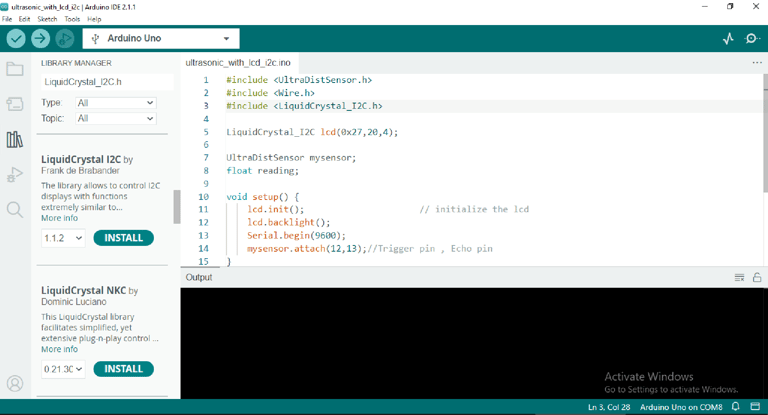
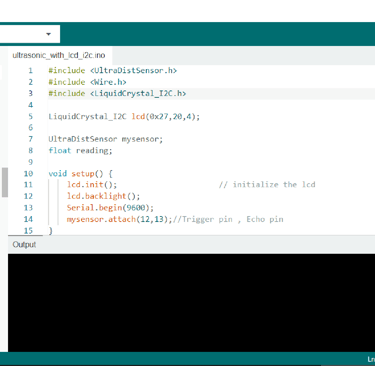
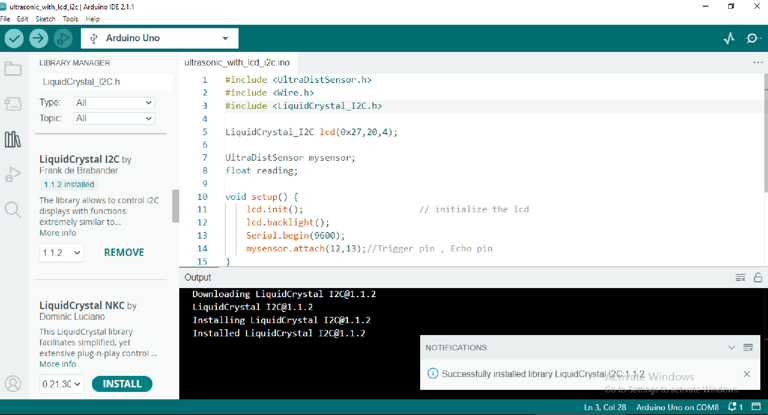
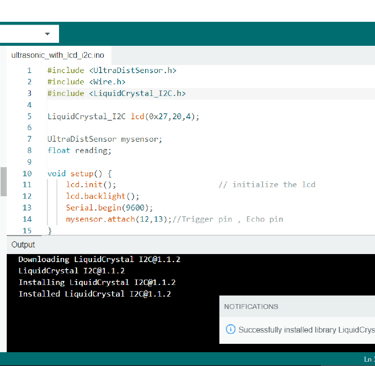
Click on install
Code:
Here is the code that displays the distance in cm that separates the ultrasonic sensor from an obstacle.
#include <UltraDistSensor.h>
#include <Wire.h>
#include <LiquidCrystal_I2C.h>
LiquidCrystal_I2C lcd(0x27,20,4);
UltraDistSensor mysensor; float reading; void setup() { lcd.init(); // initialize the lcd lcd.backlight(); Serial.begin(9600); mysensor.attach(12,13);//Trigger pin , Echo pin } void loop() { reading=mysensor.distanceInCm(); lcd.setCursor(0,0); lcd.print("Distance :- "); lcd.print(reading); delay(1000);
}
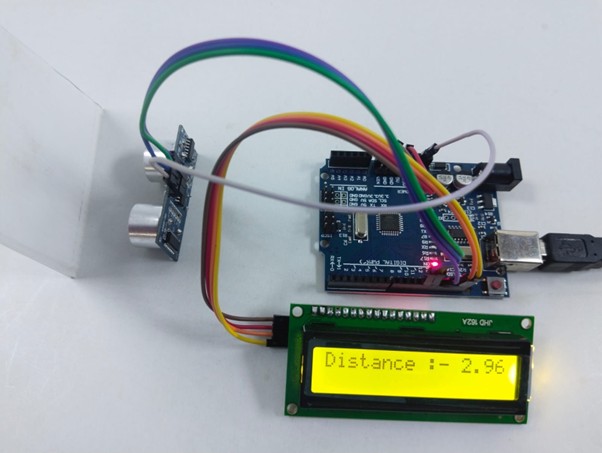
Fig: distance in the presence of obstacle
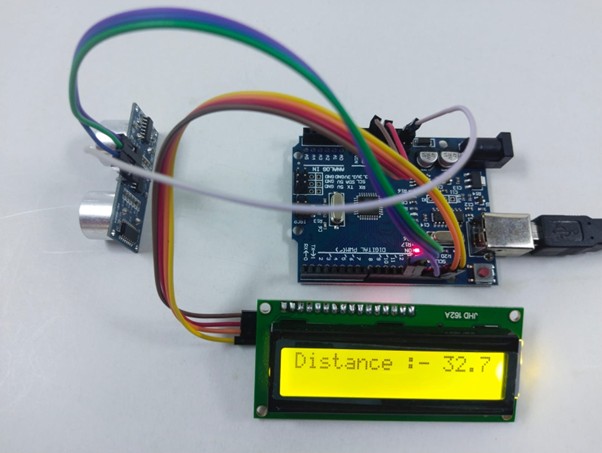
Fig: distance in the presence no obstacle
Advantages:
Not affected by colour or transparency of objects.
Can be used in dark environments.
Low-cost option.
Not highly affected by dust, dirt, or high-moisture environments.
Limitations:
Cannot work in a vacuum
Not designed for underwater use
Sensing accuracy affected by soft materials
Sensing accuracy affected by changes in temperature of 5-10 degrees or more
Have a limited detection range
Applications:
Liquid level control
Full detection
Robotic sensing
People detection for counting
Presence detection