
MQ-135 Sensor with Arduino
The Earth's atmospheric CO₂ levels are rising steadily. In 2019, the global average atmospheric carbon dioxide concentration was 409.8 parts per million (PPM), increasing to 411.29 PPM by October 2020. As CO₂ is a major greenhouse gas responsible for nearly three-quarters of emissions, monitoring its levels has become increasingly important.
TRAINING
1/31/20253 min read
Introduction
The Earth's atmospheric CO₂ levels are rising steadily. In 2019, the global average atmospheric carbon dioxide concentration was 409.8 parts per million (PPM), increasing to 411.29 PPM by October 2020. As CO₂ is a major greenhouse gas responsible for nearly three-quarters of emissions, monitoring its levels has become increasingly important.
In this project, we will use an MQ-135 sensor with an Arduino to measure CO₂ concentration.
Components Required
Arduino Uno
MQ-135 Sensor
Jumper Wires
Breadboard
22KΩ Resistor
Preparing the MQ-135 Sensor
The MQ-135 Gas Sensor is an air quality sensor capable of detecting various gases, including ammonia (NH₃), nitrogen oxides (NOx), alcohol, benzene, smoke, and carbon dioxide (CO₂). The MQ-135 sensor is available as a standalone sensor or as a pre-assembled module. In this project, we will use the MQ-135 sensor module to measure CO₂ concentration in PPM.
The circuit diagram for the MQ-135 board is provided below.
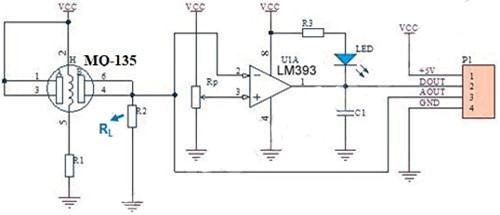
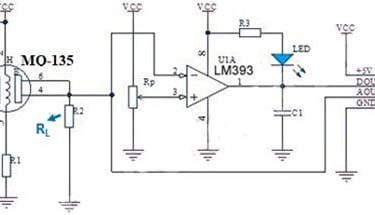
The load resistor (RL) plays a crucial role in the operation of the sensor, as its resistance varies based on the concentration of gas present.
According to the MQ-135 datasheet, the load resistor value can range from 10KΩ to 47KΩ. The datasheet suggests calibrating the sensor for 100 ppm NH₃ or 50 ppm alcohol in the air and recommends using a 20KΩ load resistor (RL). However, if you trace the PCB connections to determine the actual RL value on the board, you may find a 1KΩ (102) load resistor instead.
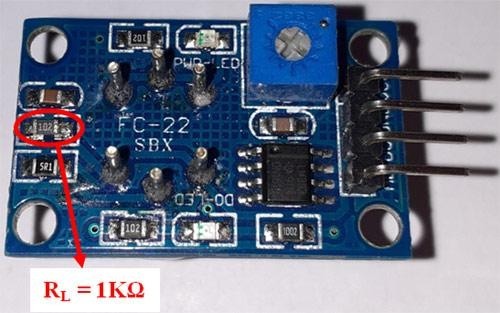
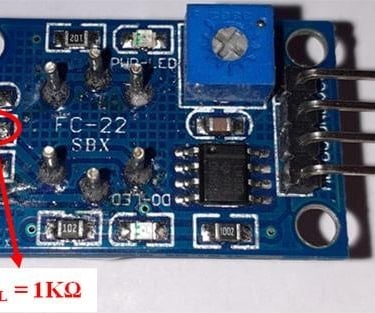
To accurately measure CO₂ concentration, the 1KΩ resistor should be replaced with a 22KΩ resistor.
Circuit Diagram for Interfacing MQ-135 with Arduino
The complete schematic for connecting the MQ-135 Gas Sensor to an Arduino is shown below.
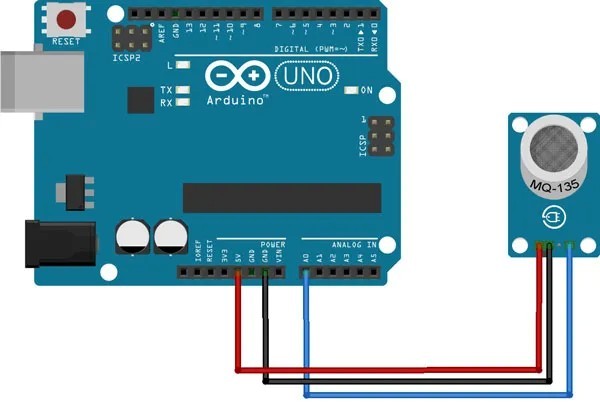
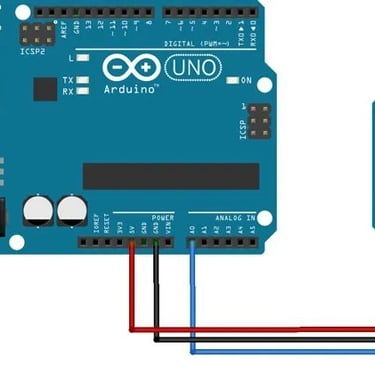
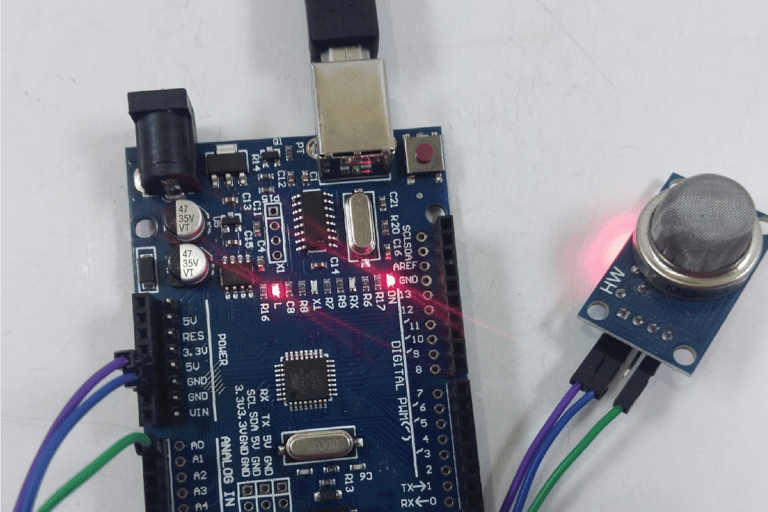
The circuit is straightforward, as it involves directly connecting the MQ-135 Sensor to the Arduino. The sensor is powered using the +5V and GND pins. The Analog Out pin of the MQ-135 sensor is connected to the A0 pin on the Arduino. Once the hardware is connected according to the circuit diagram, the Arduino MQ-135 sensor setup should resemble the configuration shown in the working section.
Library Installation
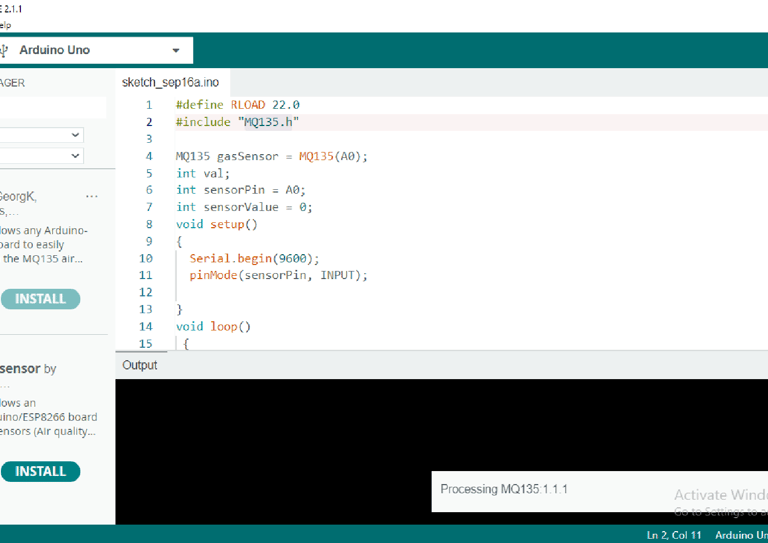
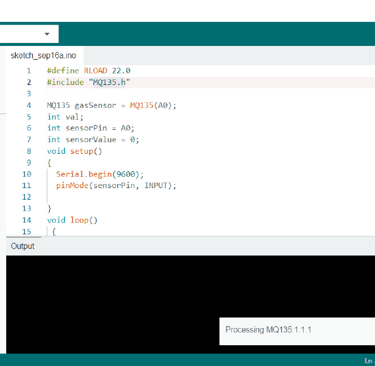
The code utilizes the MQ135.h library, which can be downloaded and installed directly from the Library Manager in the Arduino IDE.
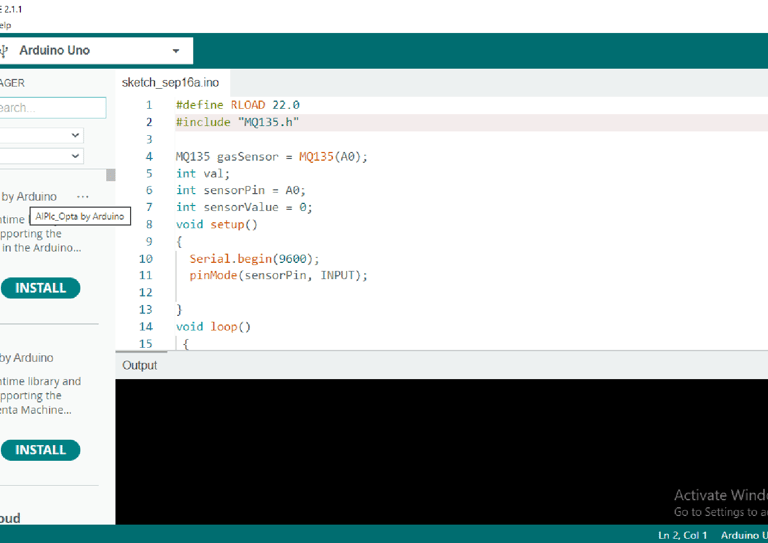
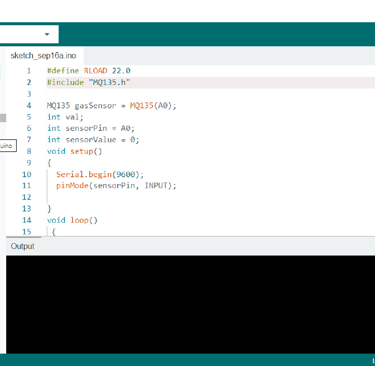
For that, open the Arduino IDE and go to Manage Libraries. Now search for MQ135.h and install
Code for Measuring CO₂ Using Arduino and MQ-135 Sensor
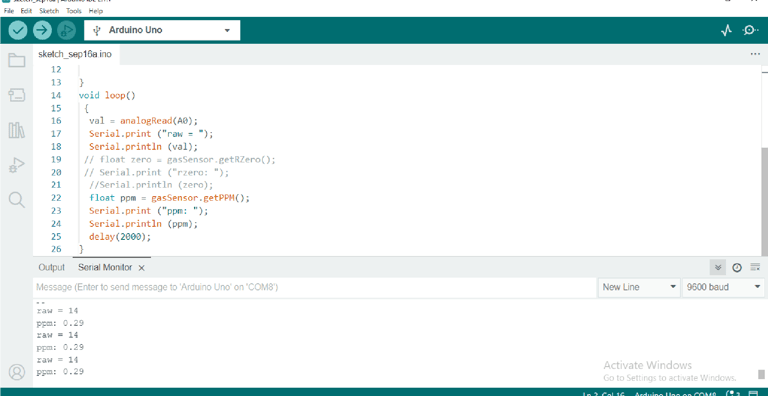
The complete code for interfacing the MQ-135 Sensor with Arduino is provided at the end of this document. Below, we explain some key sections of the MQ-135 Arduino code.
#include "MQ135.h"// declaration of library for sensor
MQ135 gasSensor = MQ135(A0);
int val; // creating a variable to store value
int sensorPin = A0; // connect sensor A0 pin to arduino A0 pin
int sensorValue = 0;
void setup() { Serial.begin(9600);
pinMode(sensorPin, INPUT); // set sensor pin to input mode }
void loop() {
val = analogRead(A0); // variable value stores the analog values of the sensor Serial.print ("raw = "); Serial.println (val); // prints raw value of sensor
// float zero = gasSensor.getRZero();
// Serial.print ("rzero: "); //Serial.println (zero);
float ppm = gasSensor.getPPM(); // the data type is float and variable ppm stores the ppm (parts per million) to measure CO2 concentration
Serial.print ("ppm: ");
Serial.println (ppm);
delay(2000); }
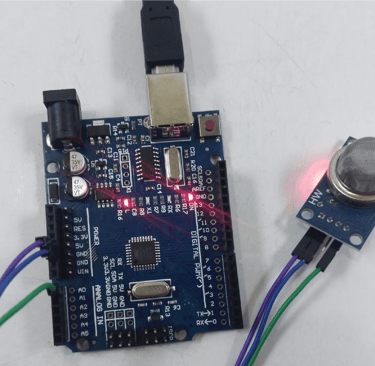
Fig: MQ-135 sensor power LED is ON but builtin LED is OFF as there is no CO2 detected
Working
Fig: builtin LED of MQ-135 sensor is ON when it detected CO2 from the smoke of incense stick
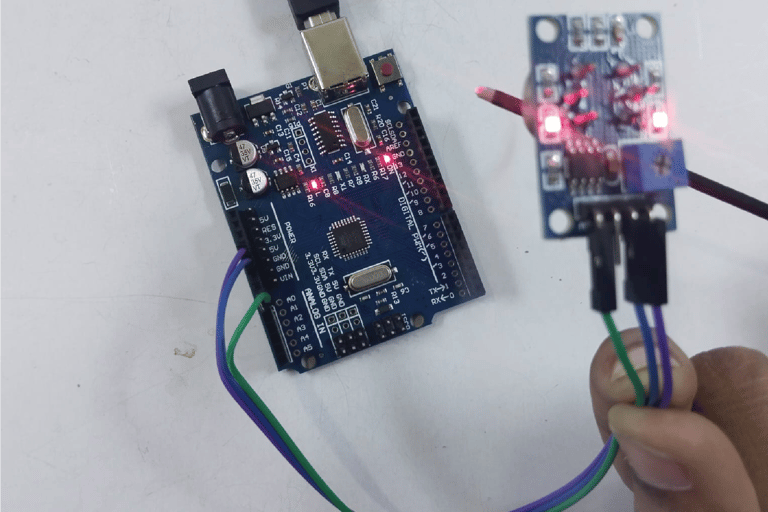
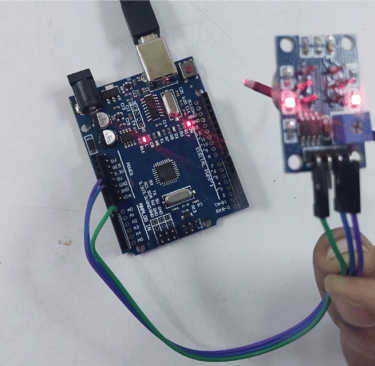
Fig: serial monitor readings showing CO2 present normal atmosphere
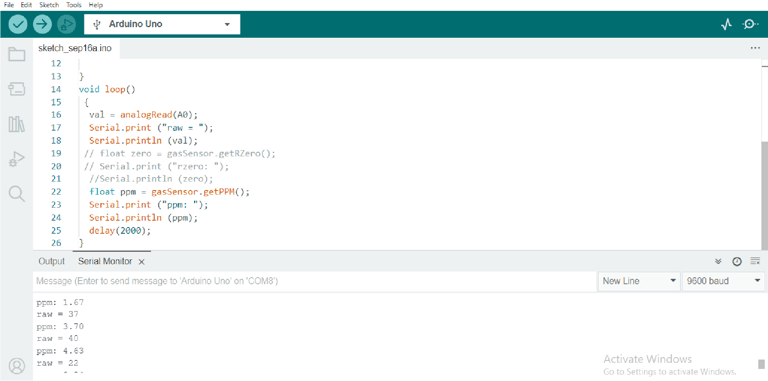
Fig: serial monitor display when the sensor detected C02 from the incense stick